Survey Completion Time Estimator

Simplify your planning with our free estimator. Enter survey length and expected audience details to predict approximate completion time and optimize respondent experience.

Find Your Survey Length

Count words from text

Estimated Completion Time

Paste Text to Count Words

Your information is completely private. We don’t save or store any data you enter in this online calculator.

How to Use the Survey Completion Time Estimator

Flat icon of a stacked form with lines and a dropdown arrow, representing entering data.

01. Enter Your Introduction Word Count

Type in the number of words, or click “Count words from text” to paste your introduction/instructions and calculate automatically.

Two overlapping cards with text lines and a green cursor pointer, symbolizing selecting a setting or confidence level.

02. Add Questions by Type

Use the +/– buttons to set how many of each question type your survey contains

Two browser windows with a magnifying glass highlighting text, indicating reviewing results or insights.

03. View the Estimated Completion Time

The calculator adds up estimated reading and answering time for all fields and shows the total survey completion time in minutes.

What is the Survey Completion Time Estimator?

This survey length calculator is a planning tool that helps anyone predict how long respondents will take to finish a survey.

It answers the key question:
“How much time should I expect participants to spend on my survey?”

Why it matters:

  • Improves participant experience: Avoids surveys that are too long.
  • Boosts response rates: Well‑timed surveys are more likely to be completed.
  • Supports better design: Helps balance detail and effort.

Having a good survey length and structure is essential to increase your respondents’ experience, hence gathering more qualitative results. If you are looking for respondents, you can check our 11 ways to get respondents, including free and paid options. 

How Does the Estimator Work?

The Survey Completion Time Estimator uses standard industry benchmarks to provide an approximate completion time. It is not 100% precise; the actual time will always depend on:

  • The length and complexity of your questions and answers
  • The survey interface (design, layout, device type)
  • The respondent’s reading and answering speed

Behind the scenes, the calculator:

  • Estimates reading time for introductions and instructions (based on ~240 words per minute)
  • Adds benchmark times for each question type:
    • Simple choice (~8s)
    • Complex choice (~15s)
    • Grid/matrix row (~8s)
    • Short text (~30s)
    • Long text (~60s)
  • Includes a small time buffer of 15s to account for survey start‑up

The result is a practical estimate, helping you design surveys that are more engaging and less likely to cause respondent fatigue.

Looking for an accurate Survey completion estimation?

Get results tailored to your exact survey design with Standard Insights:

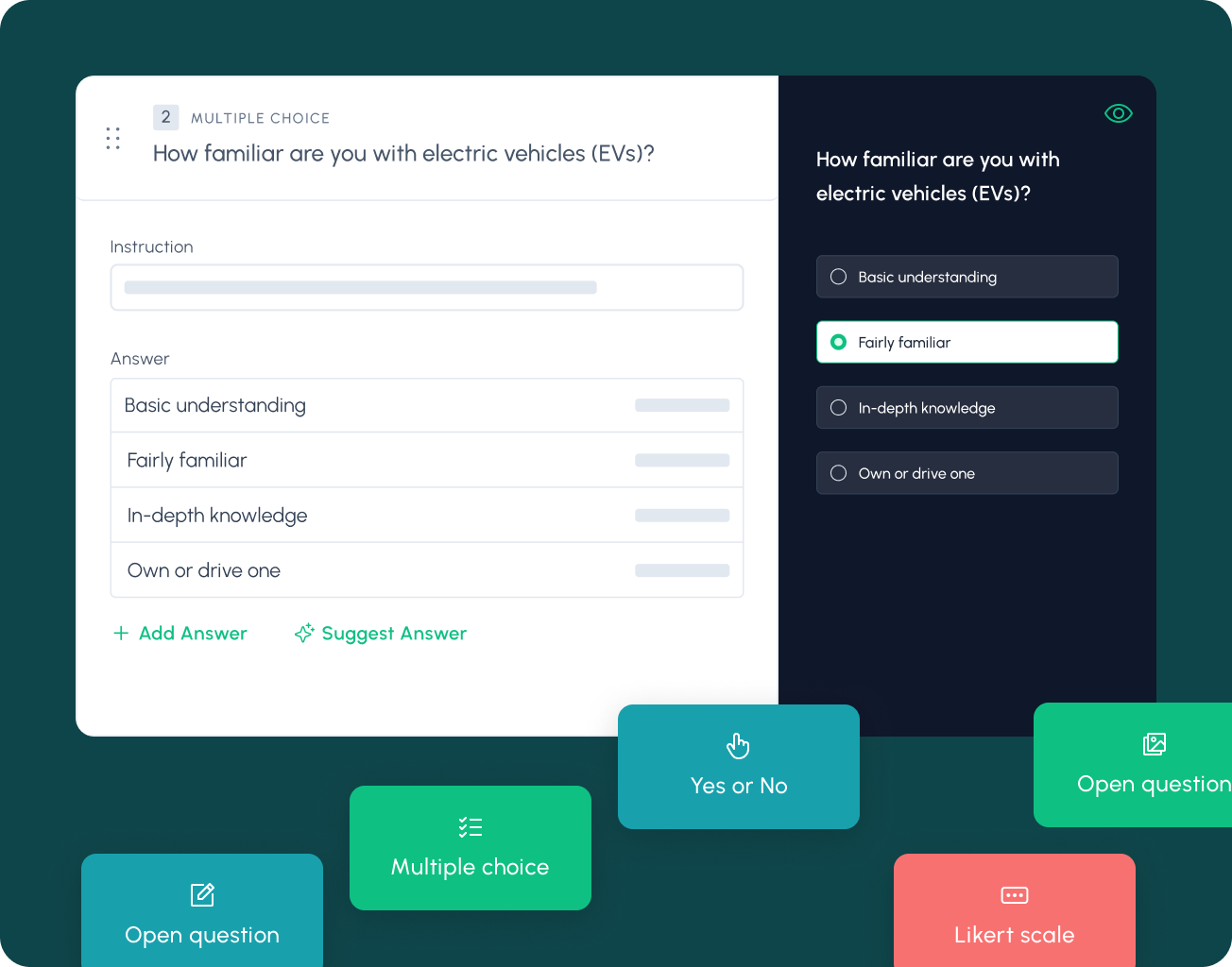
Animated screen capture of a survey builder. As the user adds and edits multiple‑choice answers and settings, a badge at the top updates the average completion time in real time.

What Is a Good Survey Length?

A “good” survey is one that respects the respondent’s time while still collecting the insights you need.

Research shows that:

  • Abandonment increases sharply after 7–8 minutes of survey time
  • Data quality often declines in longer surveys, as respondents rush through or drop out

As a rule of thumb:

  • 5–10 minutes is considered the ideal range for most surveys
  • Keep questions short, focused, and avoid “nice‑to‑know” items that don’t serve your research goals
  • Use skip logic and branching to show only relevant questions

To learn more, explore our Principles of Survey Design, especially Principle #3: Respect the Respondent’s Time.

Explore Our Other Market Research Tools

Configuration screen with dropdowns for budgeting method and currency and fields to enter annual revenue and budget percentage.

This free Marketing Budget Calculator helps you allocate spend across channels.

Response rate calculator with inputs for number of surveys sent and responses received, showing the computed rate.

Quickly determine your response rate with our calculator! Simply input your total responses and reach out to see how effectively you’re engaging your audience.

Sample size calculator with fields for population size, margin of error, and confidence level, displaying a sample size result badge.

Quickly calculate the ideal sample size for your study based on confidence level, margin of error, and population size.

Frequently Asked Question

How accurate is the survey time estimate?

The calculator gives a benchmark-based estimate using standard response times for common question types. Actual times may vary depending on text length, interface design, device (desktop vs. mobile), and the respondent’s reading speed. Treat the result as a planning guide, not an absolute.

Research shows that dropout rates climb sharply after 7–8 minutes, and data quality declines as surveys drag on. For most studies, the recommended length is 5–10 minutes to maximize engagement and completion. Learn more in our Principles of Survey Design, especially Principle #3: Respect the Respondent’s Time.


No. Quick questions like Yes/No or multiple choice take only a few seconds, while complex or open-ended ones require much more effort. That’s why the estimator separates simple choice, complex choice, grid/matrix rows, short text, and long text questions.

Yes. Respondents on mobile devices may spend more time navigating and typing compared to desktop users. If a large share of your audience is on mobile, lean toward shorter surveys and fewer open-ended questions.

Yes. When you create a free account with Standard Insights, our survey builder calculates completion time based on your exact design and logic flow, giving you a more reliable estimate than benchmarks alone.

Start your next consumer research

Create your free account, and use our set of tools to conduct your research easily.

Standard Insights dashboard showing navigation and cards to create surveys, visualize data, purchase audiences, and modules for brand health, brand lift, campaign recall, concept testing, audience profiling, and usage/attitude, plus recent projects.